The project was to design and build a complete landing page for Amrutha Lake Vista, with one clear business objective: generate leads from potential buyers. The page had to communicate a large amount of project information while creating a premium, immersive experience.
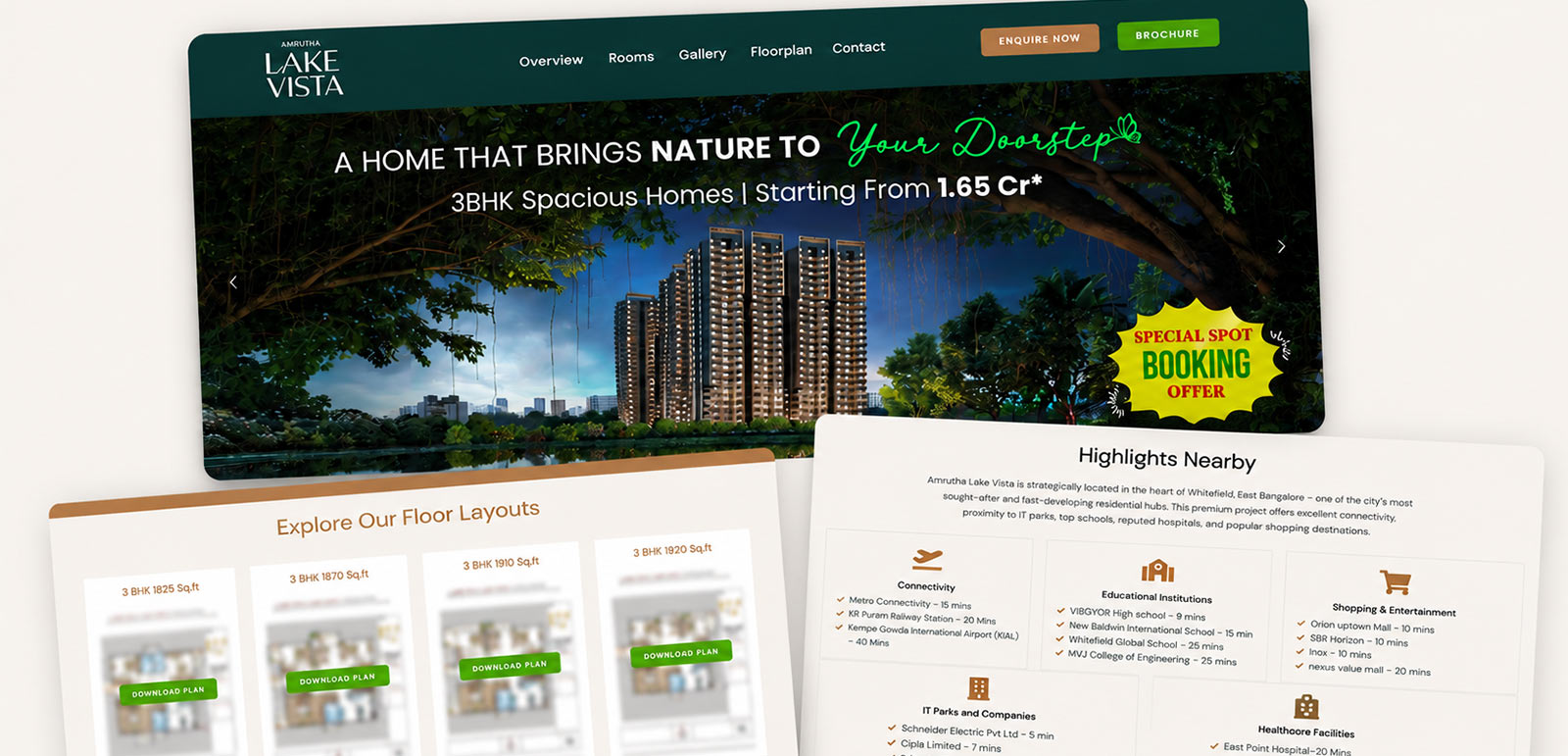
The initial version shared for the project.
02 — WHAT CHANGED AFTER THE FIRST CUT
After the first version, the client wanted to push the page further — more movement, a more premium feel, and smoother continuity between sections.
03 — DESIGN DECISIONS
Intentional design & interaction hierarchy.
DECISION 01
Make the lake part of the first impression.
The lake is one of the project's key selling points, so I used a wave based preloader to introduce the experience before the page appears. The logo then moves into the navigation as the hero comes in.
Wave preloader → logo transition → hero
DECISION 02
Carry the same motion through the page.
I used a consistent motion style across the landing page so the sections didn't feel disconnected. Images zoom out as they enter, while content and visuals use the same swoop-style transitions as you scroll.
Consistent scroll transitions and section continuity across the landing page.
DECISION 03
Give each section its own visual treatment.
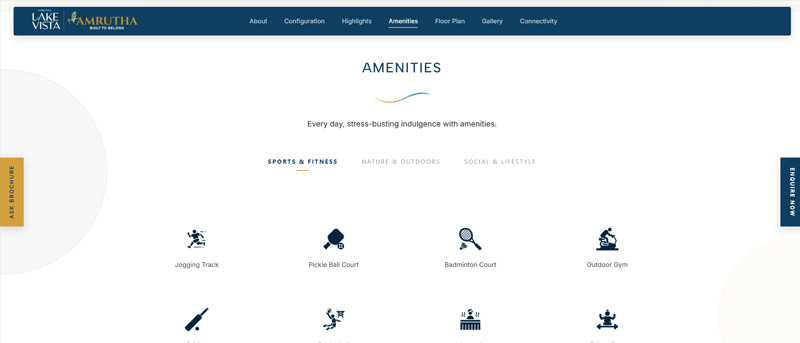
The page had a lot of project information, but I didn't want every section to look like another set of cards or text blocks. I used different layouts, backgrounds and interactions to give each section some visual character while keeping the overall page consistent.
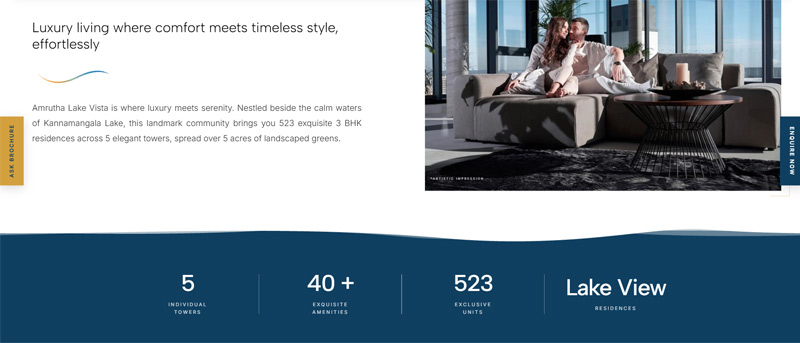
Highlights: Wave Treatment
Introduced the wave aesthetic right after the hero to create a smooth, branded transition into the project's key features.
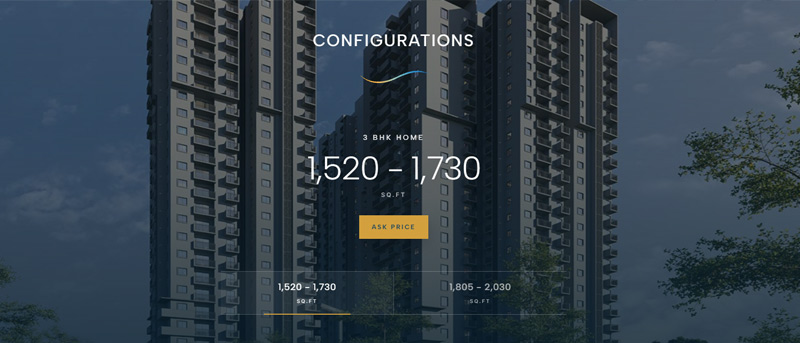
Configurations
Used a project image, dark overlay and transparent content treatment to make the section feel more integrated with the page.
The same approach continued into the Signature Elements and Amenities sections, using supporting illustrations, categorisation and hover interactions rather than repeating the same layout.
DECISION 04
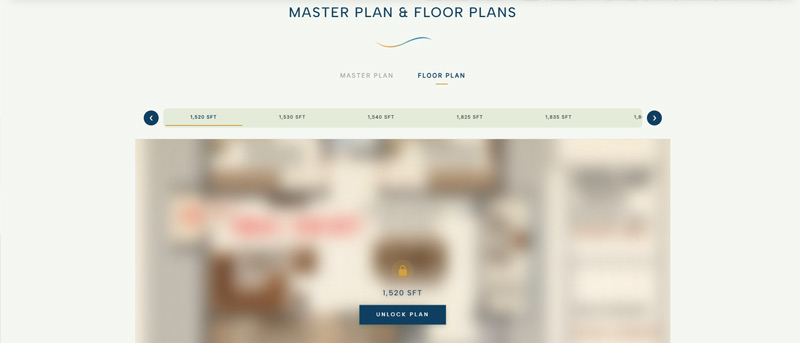
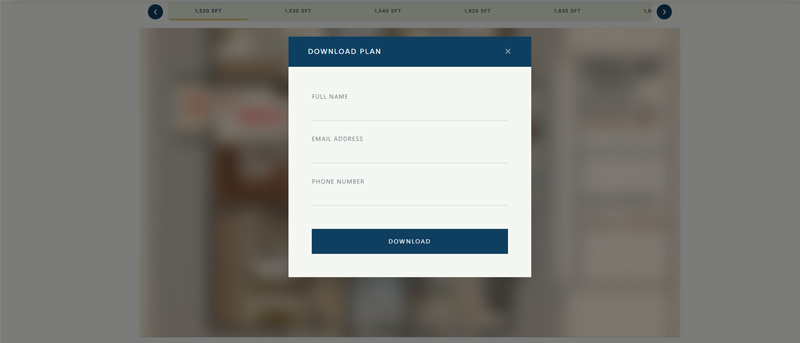
Make the floor plan download part of the lead journey.
Visitors can choose the floor plan they're interested in, submit their details to access it, and the selected floor plan is automatically downloaded after the thank-you page. This lets us capture the enquiry while giving the visitor immediate access to the information they came for.
Choose floor plan→Submit details→Thank you→Floor plan automatically downloaded→Return to floor plans
The lead is captured within the download journey, rather than through a separate enquiry step.
04 — IMPLEMENTATION
From the interface to the lead.
I built the landing page directly in HTML, CSS, JavaScript and PHP, and also connected the enquiry flow behind it. The forms collect the visitor's details, track where the lead came from and pass the information to the client's system.
HTMLCSSJavaScriptPHPResponsive Development
Visitor→Form→Thank You→UTM Source→Database→Client API
The same flow is used across the enquiry and plan download interactions. Once the form is submitted, the lead is captured with its source and passed to the client's system.
05 — BUILT FOR MOBILE TOO
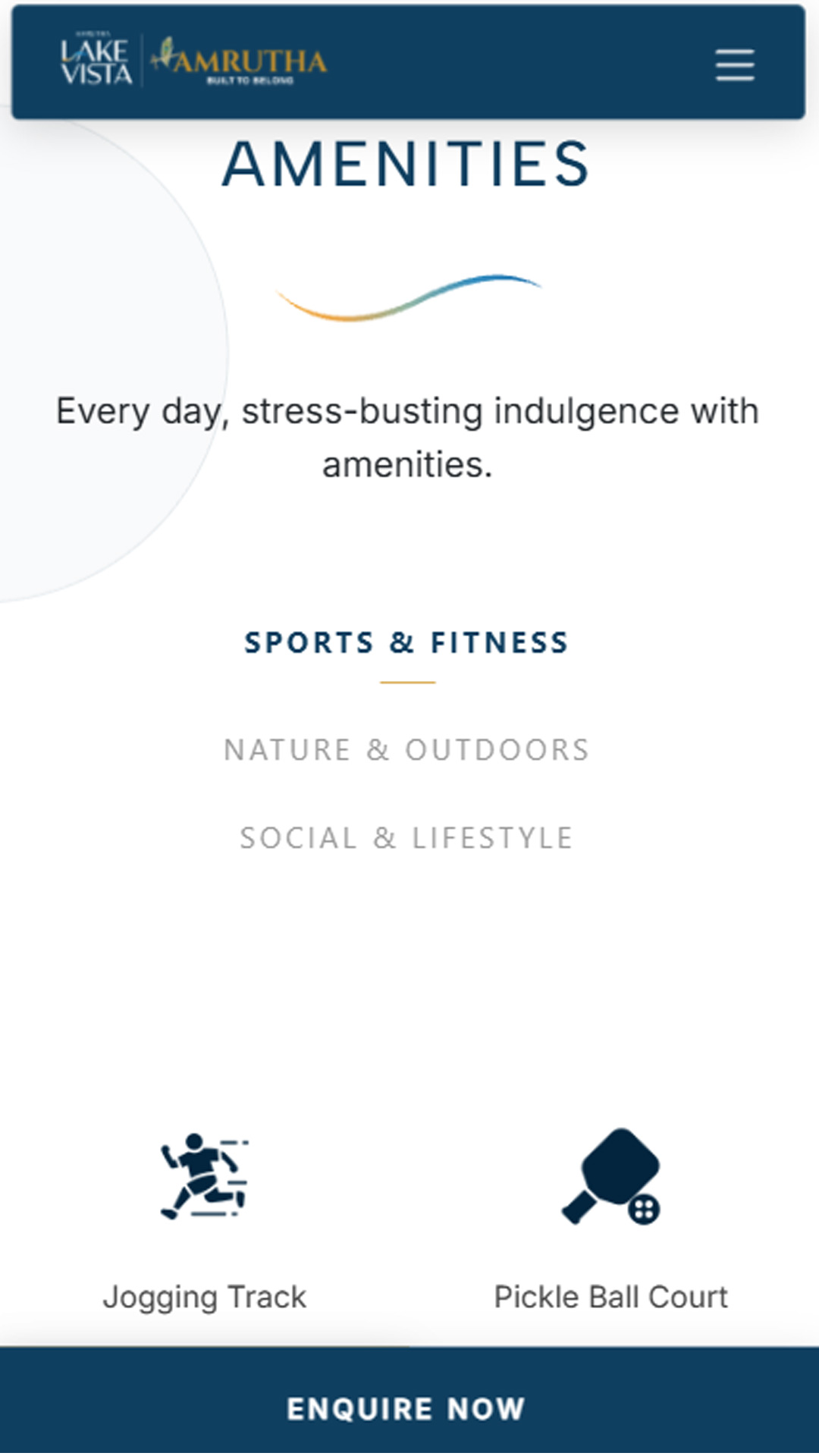
The mobile version needed a few changes of its own.
A large part of the audience reaches these property pages from their phones, so I made sure the experience was easy to browse and interact with on smaller screens. The main structure stays the same, with mobile specific banners and bottom sticky actions for the key enquiries.